 Counterpunch
Glyph overview
Overview is the high-level inspection surface: many glyphs at once, rather than one outline. Alternate between micro-editing in the Editor and macro-inspection here when you are checking consistency, finding outliers, or planning a pass.
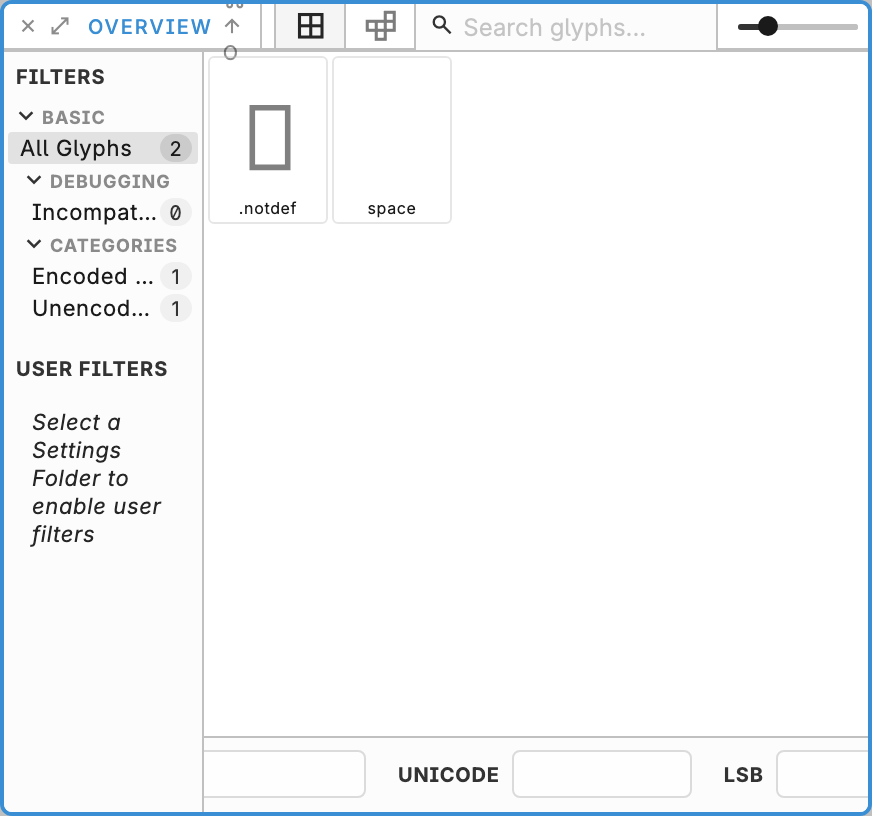
Search by name (Cmd/Ctrl+F focuses the search field), change tile size to balance scanning and detail, and select one or more glyphs. The bottom property panel shows LKG, LSB, Name, Unicode, RSB, and RKG. Multi-select can show several kerning-group chips per side; + appears while any selected glyph still lacks a group on that side, and only those empty sides are filled. Double-click a glyph tile to edit that glyph in the Editor. Cmd/Ctrl+D duplicates the glyph selection. Cmd/Ctrl+Shift+F renames it. Delete or Backspace deletes it after confirm.
Narrowing the list with scripts is in Code-driven filters. Drawing is in Glyph editor.